Admin Timezone Display
Improvement
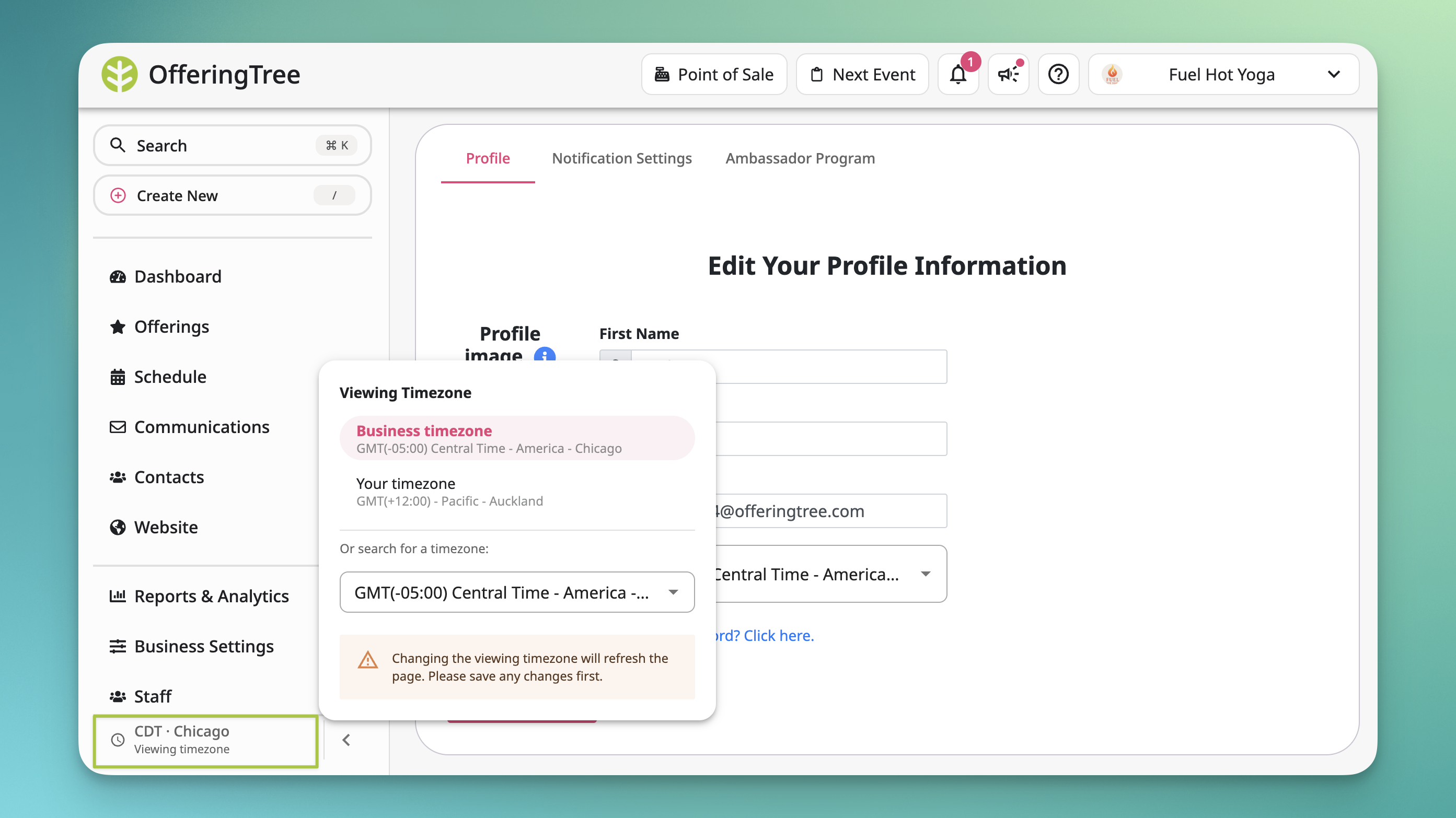
🌐 Previously, the admin dashboard showed times based on wherever you happened to be logged in from — which caused real confusion for business owners traveling or staff working across timezones.
The dashboard now defaults to the business's timezone for everyone on the team, so you're all looking at the same times regardless of location. If you need to switch — say, you're traveling or coordinating with clients in another region — there's a timezone switcher in the bottom-left of the screen.
A few details worth knowing:
- Events tied to a specific location always display in that location's timezone, on both the admin and client side — the switcher doesn't affect these
- For online events with no location, clients see times in their own local timezone
- The client-facing experience is unchanged
Available on all plans.
[Read the help article]
2