Business App: Push Notifications, Text Messaging Inbox, and Roster Controls
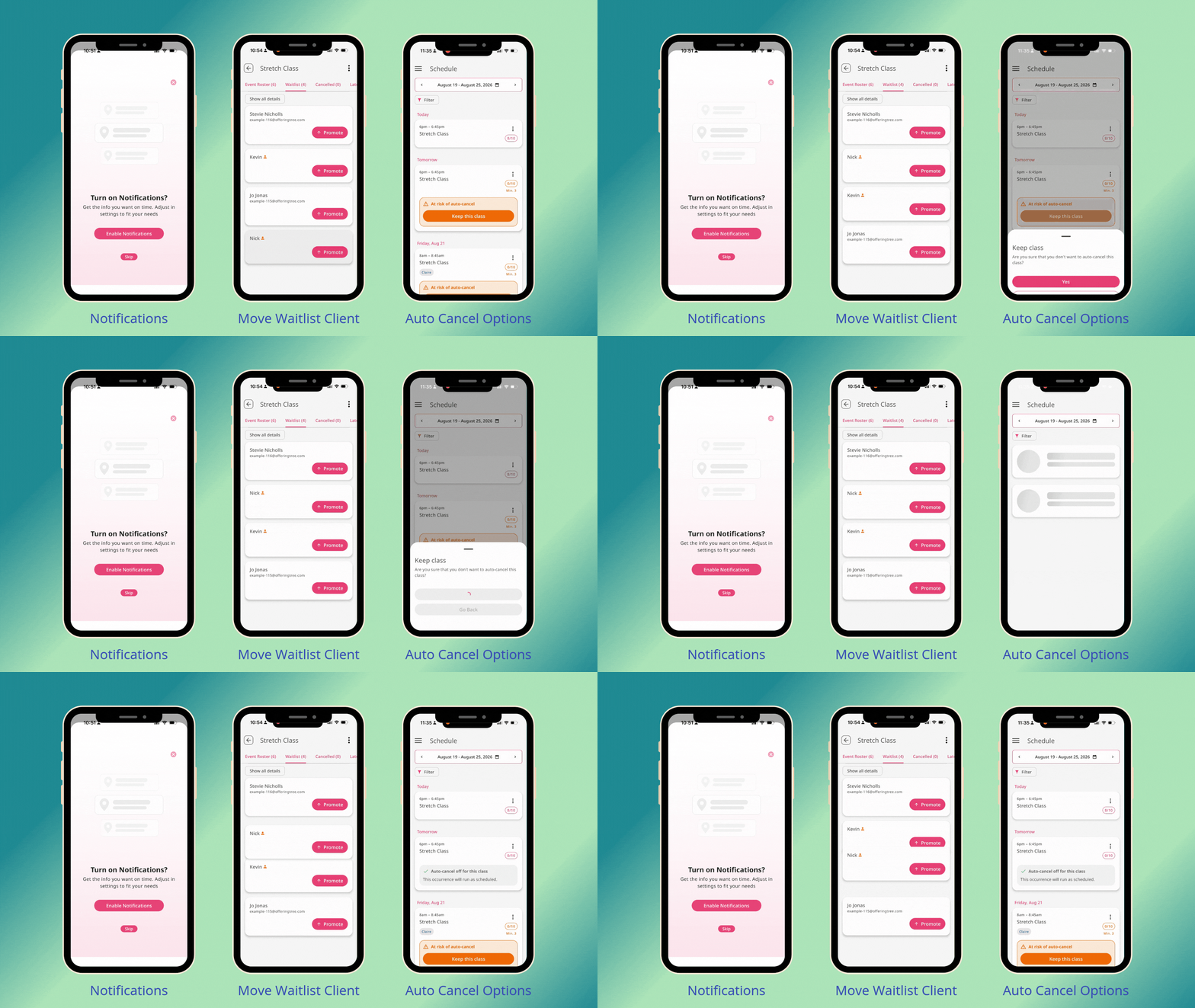
🔔 You can now opt into push notifications, manage client texts from a full in-app inbox, override a pending auto-cancel, and drag your waitlist into the order you want.
A few details worth knowing:
Push notifications are opt-in, off by default. Notifications cover class registrations, appointment bookings, and cancellations of both. Staff get notified only for events they're assigned to; solo businesses get notifications for everything. You'll need to accept the OS-level prompt to activate them.
The full Text Messaging Inbox is now in the app. Requires the Conversational Text Messaging add-on. Incoming messages notify anyone with the "Read and Respond to Client Messages" permission.
Minimum enrollment auto-cancels can be overridden from your phone. Only appears for classes with a minimum enrollment threshold set. No notification goes to registrants.
Waitlist reordering works with a press and hold. Drag people into priority order — whoever's first gets the next open spot.
Available on all plans, with individual capabilities gated as follows:
- Push notifications: all plans
- Text Messaging Inbox: Conversational Text Messaging add-on required
- Minimum Enrollment override: Pro Plus, Studio Starter, Studio Grow, Studio Max
- Waitlist reordering: Pro, Pro Plus, Studio Starter, Studio Grow, Studio Max