Client Appointment Rebooking
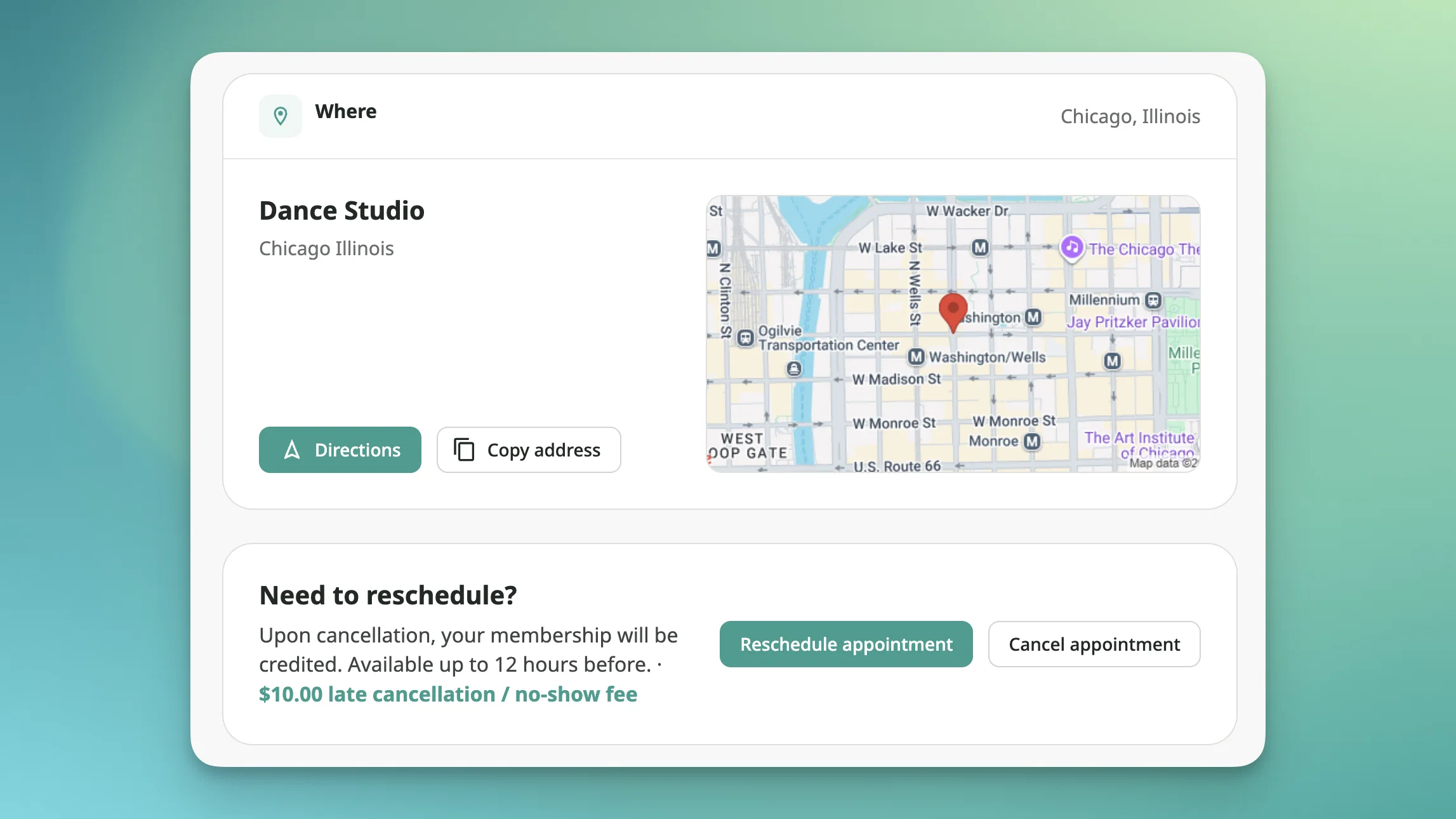
Until now, clients who needed to move an appointment had to either cancel and start over or email the business and wait for a staff member to handle it manually. A simple reschedule became a support task every time.
Clients can now rebook their own appointments in one step from the client web dashboard or the OfferingTree mobile app. 📅 They pick a new time for the same offering, and the original booking moves with them, payment and all.
A few details worth knowing:
Eligibility follows your refund policy. If an appointment is non-refundable or outside the refund window, clients will only see the option to cancel. No new configuration needed.
Payment carries over. The original charge transfers to the new appointment automatically. There's no refund and re-charge cycle.
Same offering only. Clients can pick a different time, but not a different offering. Switching offerings still requires cancelling and booking again.
Staff and room assignments can change. For businesses using staff or room scheduling, clients can adjust those during rebooking, which opens up more available times.
All standard booking rules still apply. Availability, capacity, and booking windows are enforced the same as any new booking.
Both parties get updated. The client receives a new confirmation email and the business receives an updated appointment notification.
Admins keep full control. Staff retain full rebooking ability regardless of refund policy.
Available on all plans.