Customizable Client Badges
Improvement
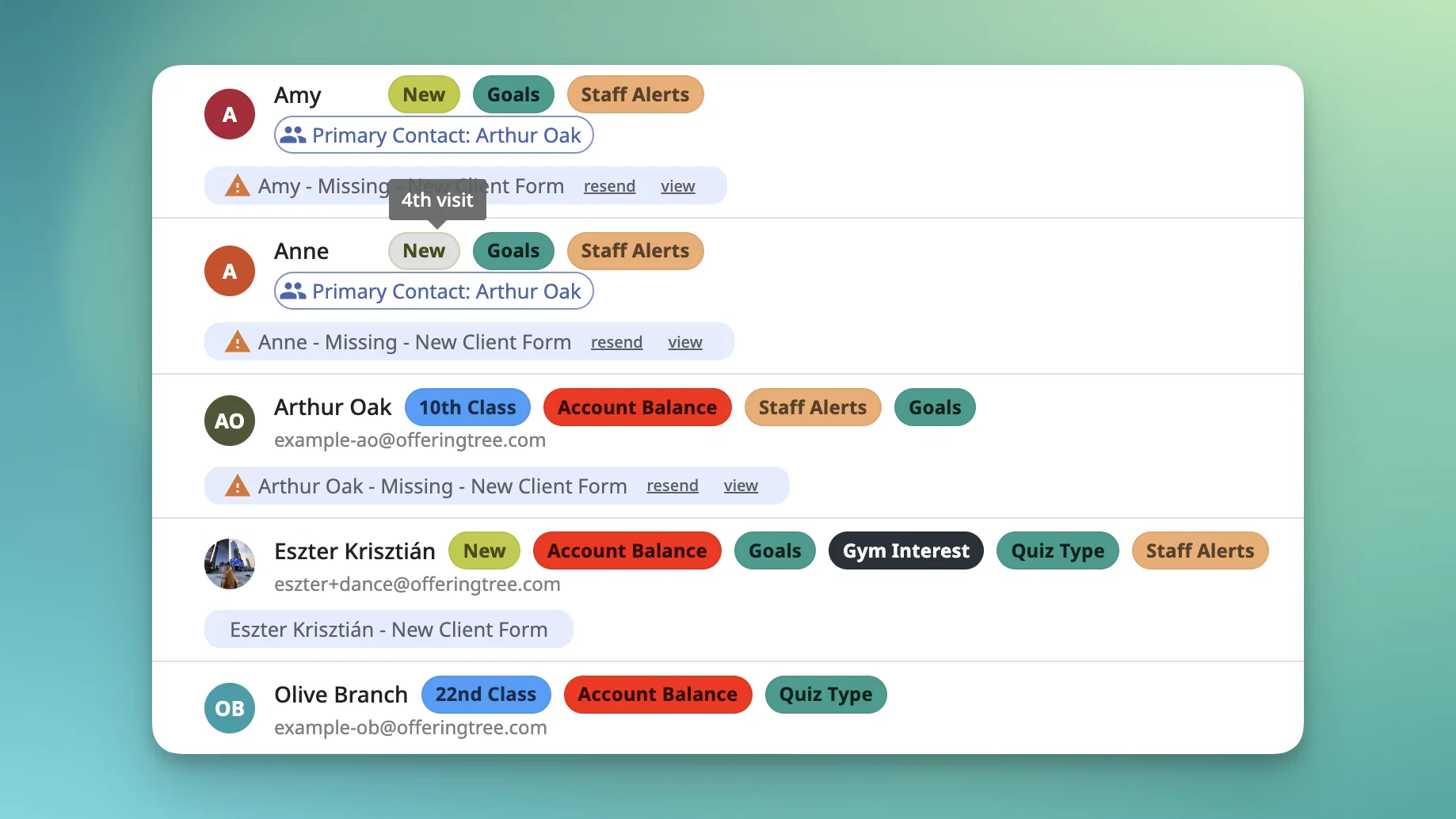
Now you can choose which badges appear, set your own visit milestones, and turn on a new Credits Running Low badge from Business Settings.
A few details worth knowing:
- Pick your badges. Waiver Not Signed is always on. Note badges keep their per-note setting.
- Both apps. Settings apply to the web app and the Business app.
- Visit milestones. Set specific visits (like the 1st or 2nd), a repeating interval (default 25), and whether visits count at booking or check-in.
- Custom labels. One label can cover your listed visits. The visit number shows on hover.
- Credits Running Low. Off by default. Shows when total credits hit your threshold (default 2), unless the client has a healthy, unstarted, or unlimited package, or a usable membership. It doesn't yet account for packages limited to specific offerings.
- Defaults match today's badges up to 100 visits. After 100, the interval stays at 25 instead of switching to 50.
- Owner permission required to configure badges.
Available on all plans.
[Read the help article]