Per-Item Sales Tax Rates
Improvement
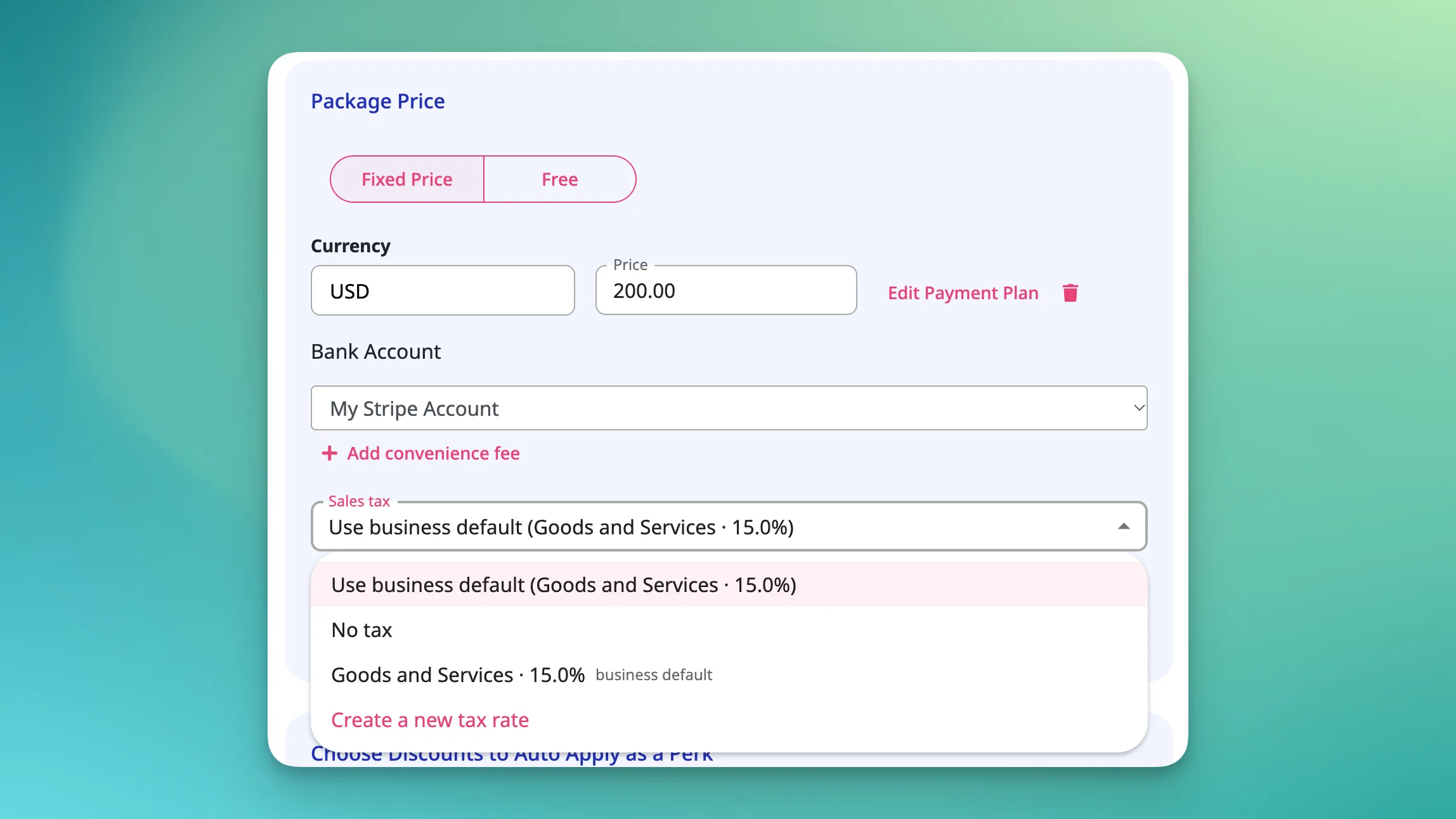
If you sell across jurisdictions or mix taxable and non-taxable items, one tax default per category never quite fit. Now each item can carry its own tax rate.
Set it right in the item editor with three options: use the account default, apply a specific rate, or mark it untaxed. The rate carries through to your public site, checkout, and POS.
A few details worth knowing:
- Works on almost everything. Events, event series, appointments, packages, memberships, and digital, physical, and generic store items.
- Nothing changes until you change it. Every item starts on "Use account default," which shows the rate it's inheriting.
- "No tax" overrides the category. An item can be untaxed even if its category default is taxed.
- Memberships with active subscribers. You'll get a warning showing how many subscribers are affected, and the change applies at their next renewal.
- Late-cancellation fees aren't included. They still follow the account-level default.
- No tax rates yet? You'll be prompted to create one instead of seeing an empty list.
Available on Pro, Pro Plus, and all Studio plans.
Read the [help article]