Registration Cutoff Defaults
New Feature
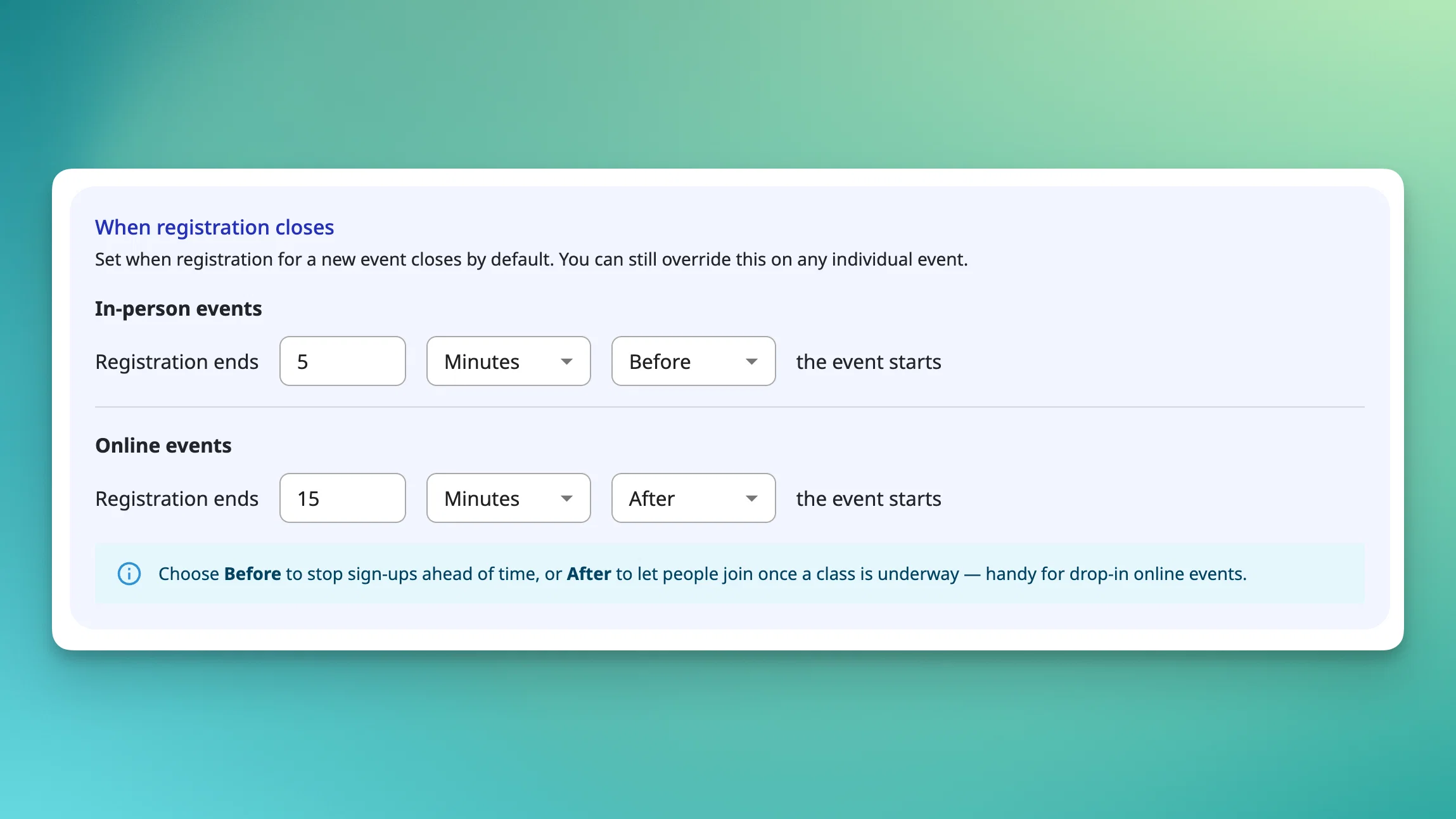
Setting the same registration cutoff on every event gets old fast, especially when your policy never changes. Previously, that meant re-entering the same rule each time, and any event you missed quietly fell back to the platform default.
🕐 You can now set a default registration close time for your whole account under Settings → Registration Settings, with separate defaults for in-person and online events. New events inherit the right default automatically, and you can still override the cutoff on any individual event when it needs different treatment.
A few details worth knowing:
- Where to find it: Settings → Registration Settings → "When registration closes."
- Two independent defaults: one for in-person, one for online, since the right policy usually differs.
- Before or after: set each default as time before or after the event starts. Before stops sign-ups ahead of time; After lets clients join after a class is underway, useful for drop-in online events.
- Zero means open: a default of 0 hours before keeps registration open until the event begins.
- Overrides still work: this adds a default, it doesn't replace event-level control.
Available on all plans.
[Read the help article or watch the video]