Special Hours for Appointment Availability
New Feature
Improvement
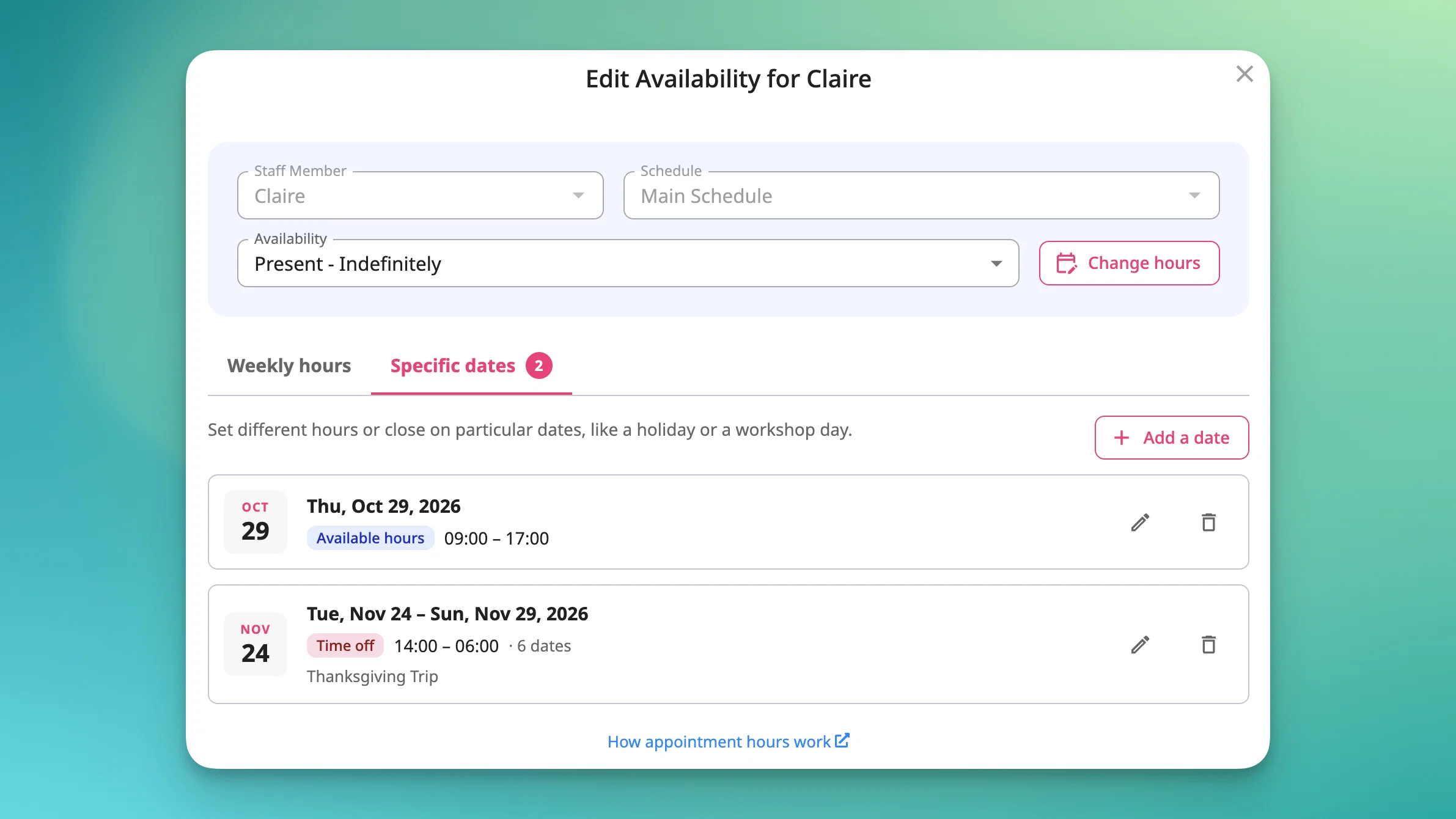
Closing for a holiday or running reduced hours for a week no longer means reworking your whole schedule. 📅 You can now set different hours, extra hours, or a closure for a specific date or date range, and your regular schedule resumes on its own afterward.
Here’s how it works:
- Set them from the availability page’s weekly grid or by picking a date on the schedule calendar.
- Works on main, appointment-specific, staff, and resource schedules. Main schedule special hours don’t apply to appointments with their own custom schedule.
- One set per date, per schedule. Deleting them restores your regular schedule immediately.
Good to know: Closing a day never cancels bookings. You’ll get a warning and see which bookings are affected. Use Time Off to block part of an otherwise open day. Recurring special hours (like “closed every holiday”) aren’t supported yet.
Available on all plans.
[Read the help article]